
If you’ve ever looked at someone’s photo or social graphic and wondered why it feels so polished, there’s a good chance a PNG overlay had something to do with it. Light leaks, haze, sparkles, textures—these little add-ons can take a completely ordinary image and make it look like something from a professional shoot.
And while designers often create their own overlays, there’s a huge world of ready-made PNGs out there that can save you hours. Etsy, Freepik, Creative Market—they’re full of overlays for basically every style. But you don’t need to shop around to experiment. Sites like Pikwizard.com offer tons of free PNG overlays you can drop straight into an edit.
Here’s a simple breakdown of what these overlays do, how to use them, and which ones work well for quick creative boosts.
Table of Contents [url=]Toggle[/url]
1. Light Leak Overlays: For Warm, Cinematic Vibes
Light leak overlays are great when you want that soft film-style flare. They work especially well on:
- lifestyle photos
- fashion images
- Instagram Reels thumbnails
- romantic or travel shots
Just drop the PNG on top of your image and change the layer blend mode (usually “Screen,” “Overlay,” or “Add”). It’s a fast way to warm up an otherwise flat image.
Pikwizard’s library has several subtle light effects that don’t scream “Instagram filter,” which helps things stay tasteful.
2. Smoke & Fog Overlays: Drama Without the Equipment 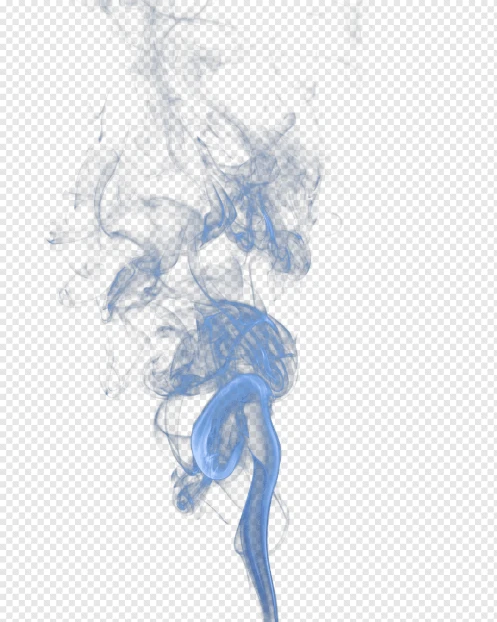 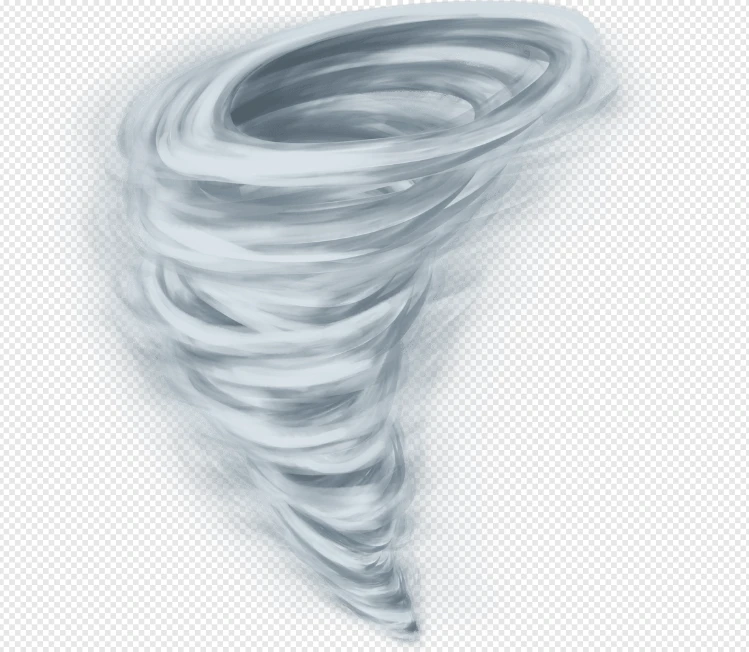
Free Images By Pikwizard.com
You’d be surprised how often smoky overlays are used in ads, gaming thumbnails, fitness posters—you name it. When done properly, they add depth and motion without taking attention away from the main subject.
A few pointers:
- Keep opacity low (smoke gets cheesy fast).
- Place the overlay behind or around subjects, not directly over faces.
- Try darker colors for moodier edits, lighter for dreamy edits.
Again, sourcing this from scratch is a pain, so a PNG with a transparent background saves a lot of time.
3. Glow & Sparkle PNGs: Small Details That Pop
Not every visual upgrade has to be dramatic. A soft glow around text, a few highlights on a product shot, or a faint halo can make something feel more premium.
Sparkle overlays—when used sparingly—also work well for beauty brands, holiday themes, or product launches. They give the image that “finished” look with almost no effort. 
Free Image By Pikwizard.com
4. Texture PNGs: When You Want A Little Grit
Textures are the secret weapon of designers who want to avoid images looking too clean or too digital.
Try:
- grain
- scratches
- paper folds
- grunge patterns
These are especially helpful for:
- posters
- YouTube thumbnails
- header images
- ads that need character
Before applying them, reduce the opacity or adjust blending modes to avoid overpowering the core design.
5. How to Use Overlays Without Making a Mess
A few general rules go a long way:
- Start subtle. It’s better to add more later than to dial it back.
- Match the style to the content. Don’t put glitter on a corporate report.
- Think about the story. A smoke overlay on a fitness image makes sense; a smoke overlay on a baby photo… does not.
- Keep layers editable. You may need to tweak color or contrast to match the base image.
6. Where to Find Good Overlay PNGs 
Free Image By Pikwizard.com
This space is crowded—Etsy alone has thousands. But for quick, legal, no-strings-attached downloads, Pikwizard is surprisingly useful. They have:
- transparent PNGs
- abstract effects
- light textures
- smoke/fog overlays
- glow elements
Because everything is royalty-free, you don’t need to worry about weird licensing restrictions.
PNG overlays are one of the easiest ways to upgrade a photo or graphic without rebuilding anything from scratch. Whether you need a warm glow, some atmospheric smoke, or just a little texture, they’re a simple tool that can transform your visuals fast. [/url] [url=https://www.addtoany.com/add_to/whatsapp?linkurl=https%3A%2F%2Fsunoshayari.com%2Fpng-overlays-light-leaks-smoke%2F&linkname=PNG%20Overlays%3A%20Light%20Leaks%2C%20Smoke%2C%20Glows%20%26%20Texture%20PNGs%20for%20Quick%20Visual%20Upgrades] [/url] [url=https://www.addtoany.com/add_to/twitter?linkurl=https%3A%2F%2Fsunoshayari.com%2Fpng-overlays-light-leaks-smoke%2F&linkname=PNG%20Overlays%3A%20Light%20Leaks%2C%20Smoke%2C%20Glows%20%26%20Texture%20PNGs%20for%20Quick%20Visual%20Upgrades] |





